Appearance
Duplicate the Template
To start using SYNTHEXA, you need to create a personal copy of the template inside your Framer workspace. This allows you to edit, customize, and publish the website as your own project.
Step 1 — Open the Template
Open the SYNTHEXA template page in Framer. You will see the template preview and a Copy button below it.

Step 2 — Click "Copy"
Click the Copy button located under the template preview.
Framer will automatically create a copy of the project inside your workspace.
Step 3 — Open Your Copied Project
Once the copy is created, the template will appear in your Framer dashboard as a new project.
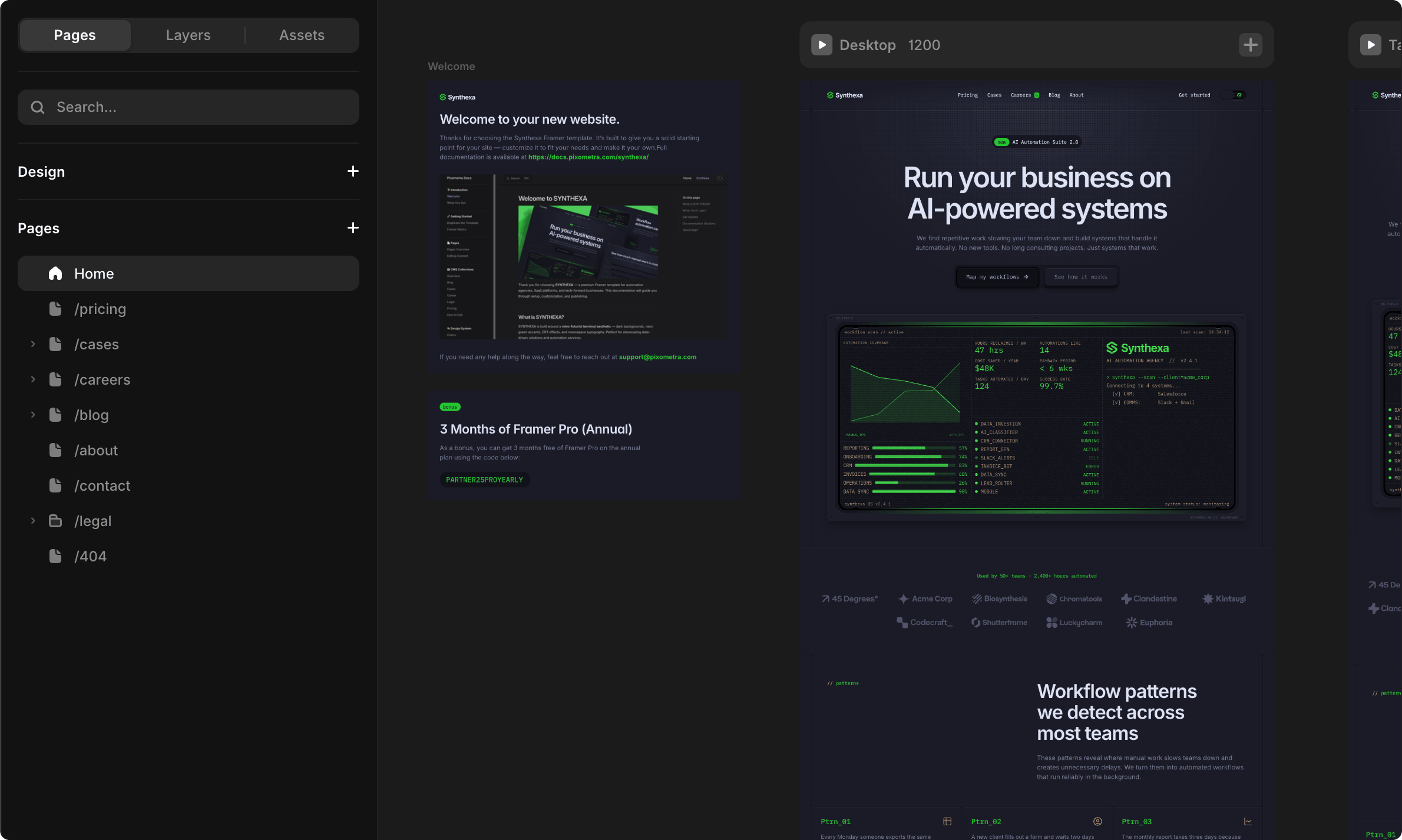
Open it to start editing.
Your copy now includes:
- All 9 pages + dynamic routes
- 7 CMS collections (Blog, Cases, Careers, Pricing, Legal, Authors, Categories)
- 3 custom components (TerminalDashboard, ROICalculator, NotFoundGame)
- Light & Dark color schemes
- Complete design system with color tokens and text styles
Step 4 — Start Customizing
You can now begin customizing the template to match your brand and content.
Typical next steps include:
- Replacing text and images with your own content
- Updating brand colors (especially
/Terminal/TerminalPrimaryfor your accent) - Adding your projects, case studies, and articles to CMS collections
- Customizing the TerminalDashboard with your metrics
- Configuring the ROICalculator with your pricing model
- Setting up contact forms and job applications
- Publishing to your custom domain
TIP
The original template remains unchanged. Your copied version is fully independent, so you can edit it freely without affecting the original project.